Your first race in 5 minutes
Click Next to go from an empty app to a race with its costs, monthly saving and split. Every screen is the real app, shown with an invented race.
Step 1 of 11
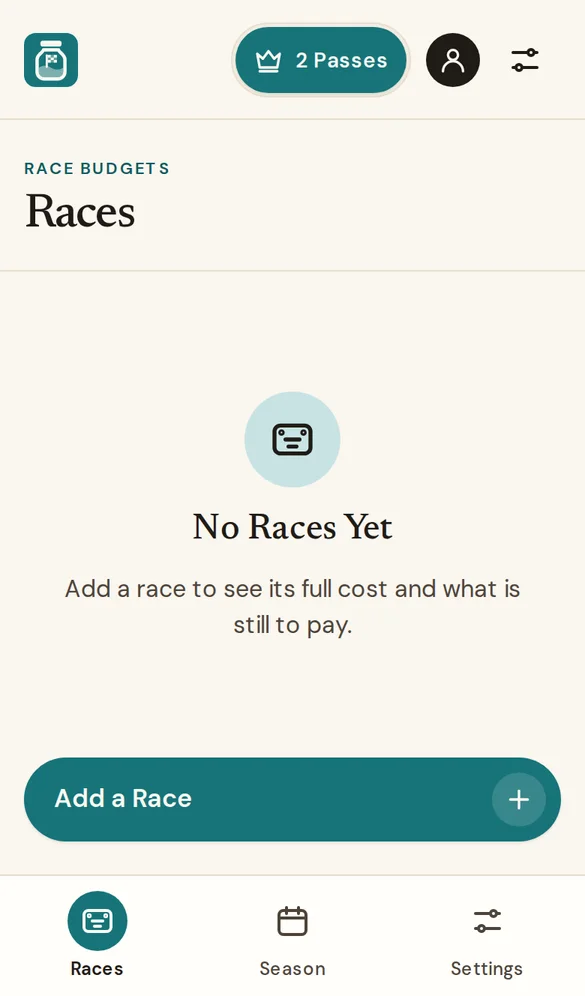
Start with Add a Race
You need no account. On Races, tap Add a Race.
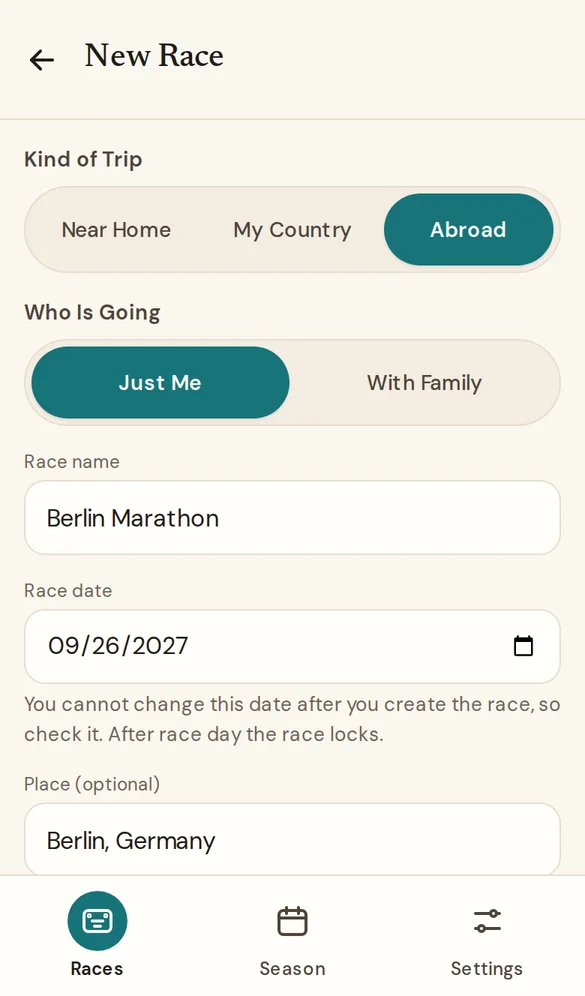
Describe the trip
Choose the kind of trip and who is going, then give the race a name and a date.
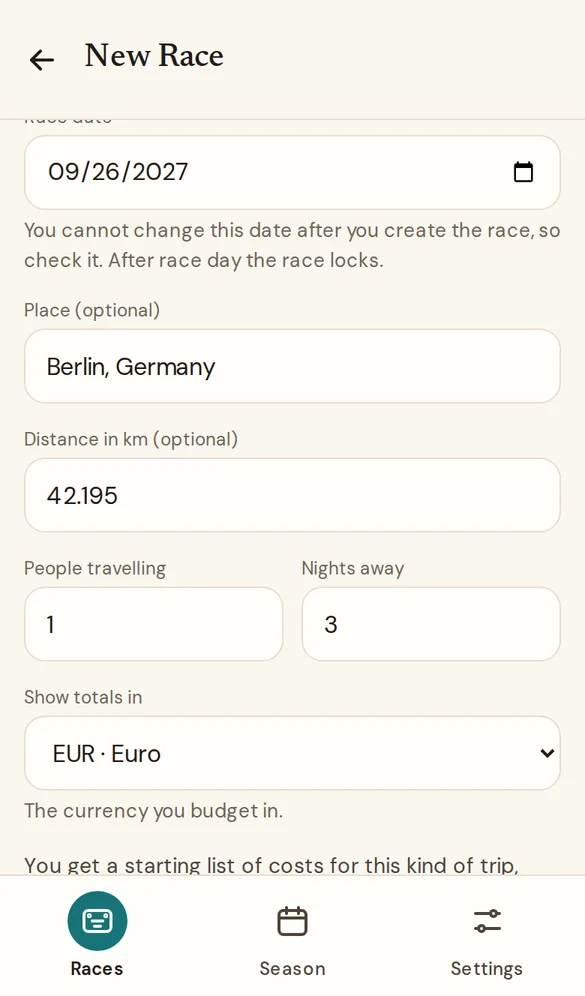
Check the details
Check People travelling, Nights away and Show totals in.
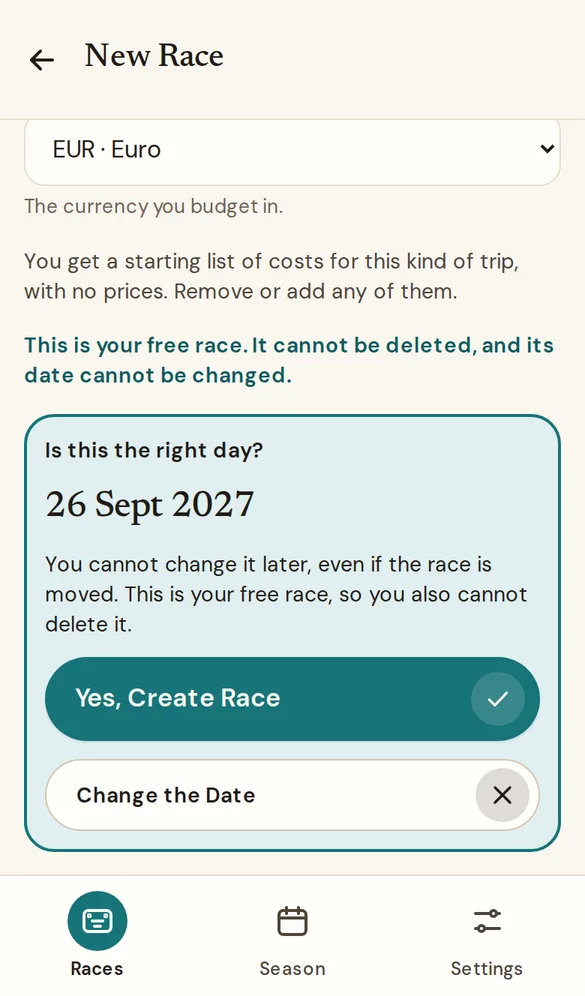
Check the day
Tap Create Race, check the day, then tap Yes, Create Race. The date cannot be changed later.
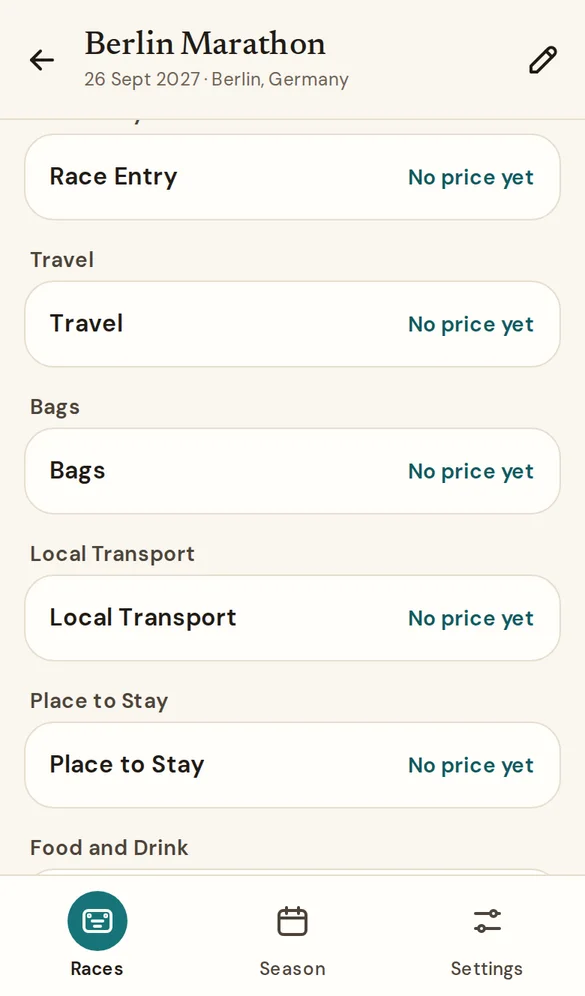
Your starting list
You get a list of costs with no prices. Tap one to open it.
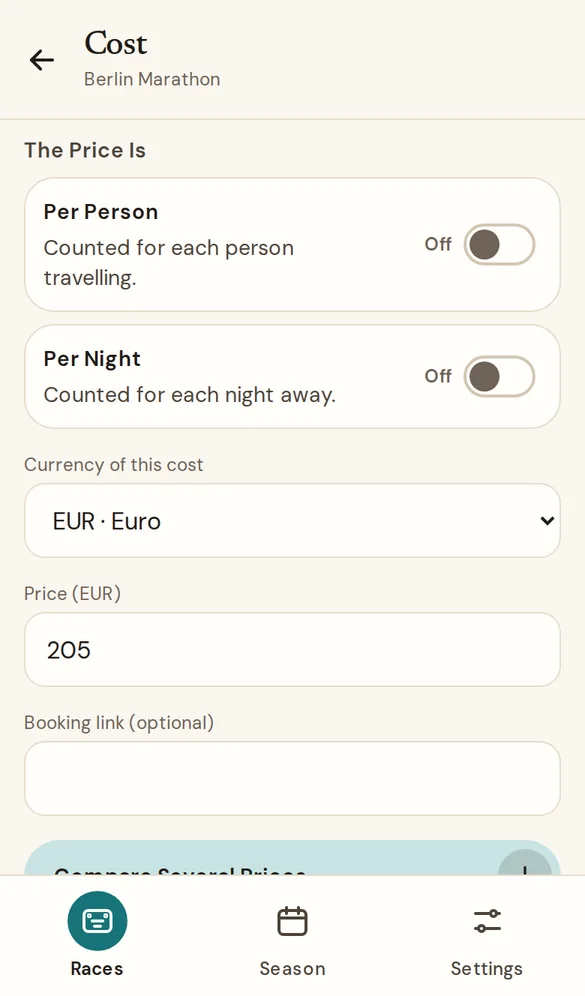
Type a price
Type the price and tap Save. Start with the ones you know.
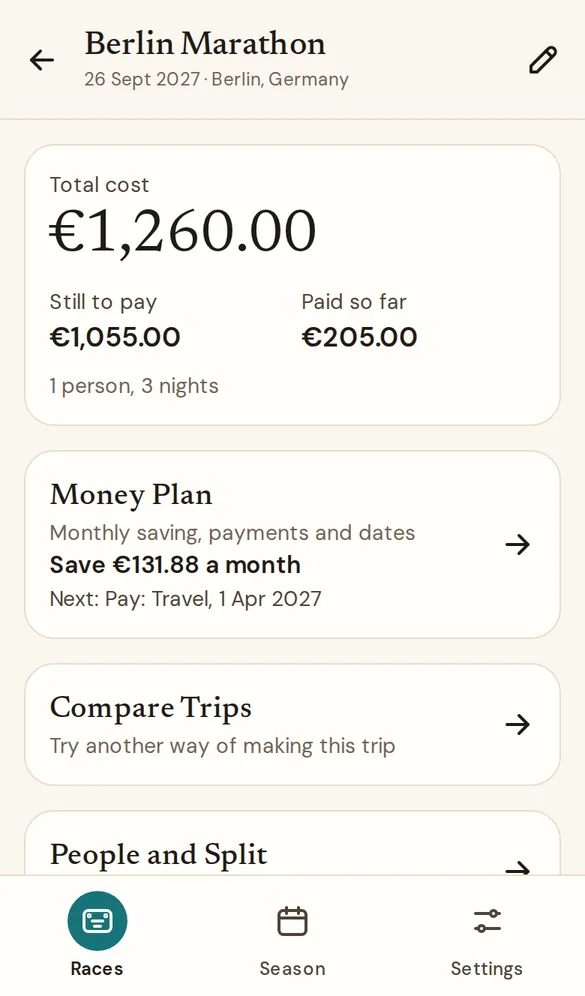
Read the total
The race shows the total cost, what is still to pay and what you paid so far.
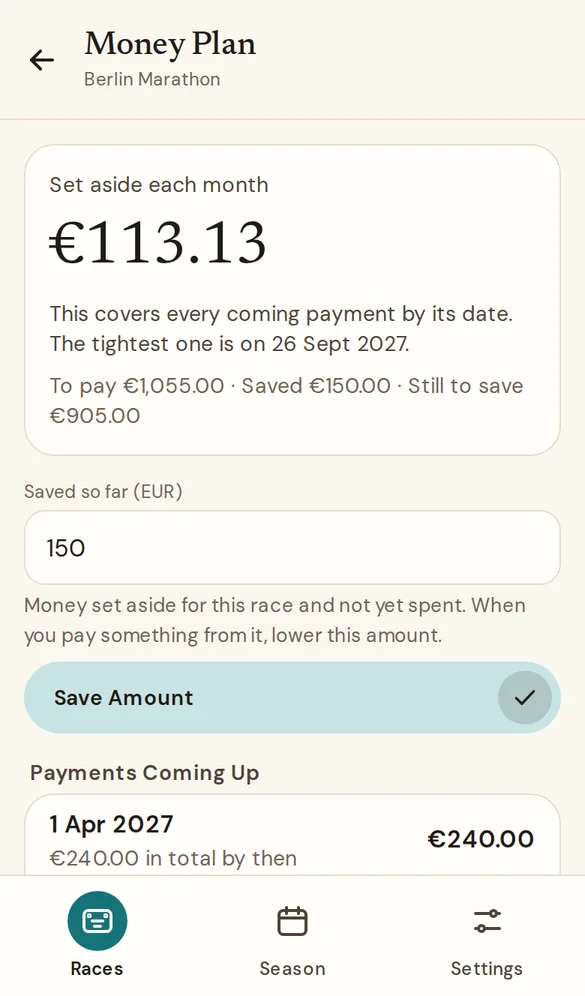
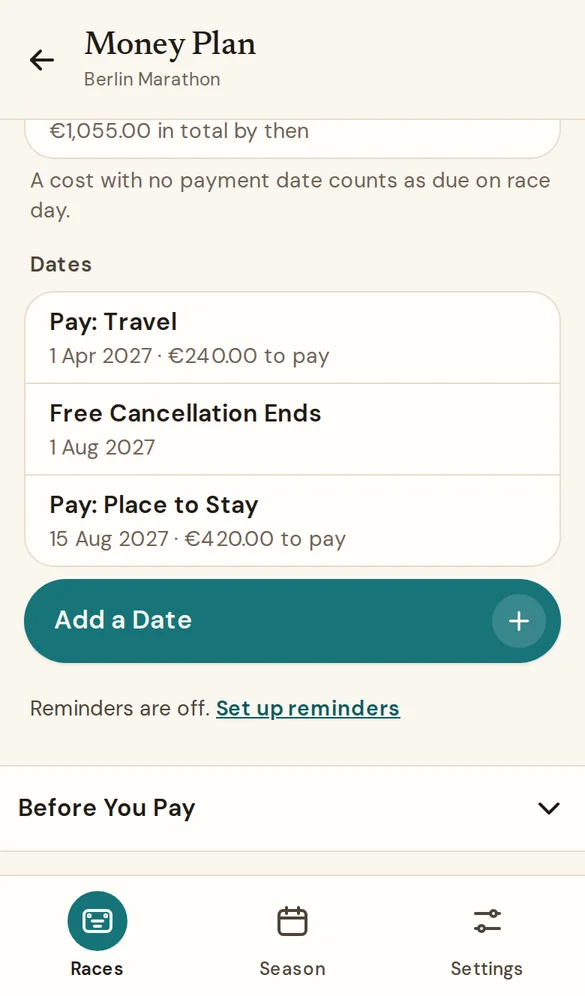
See the monthly amount
Open Money Plan, enter what you already saved and tap Save Amount.
Add the dates that matter
Payment dates appear by themselves. Add your own, such as the day free cancellation ends.
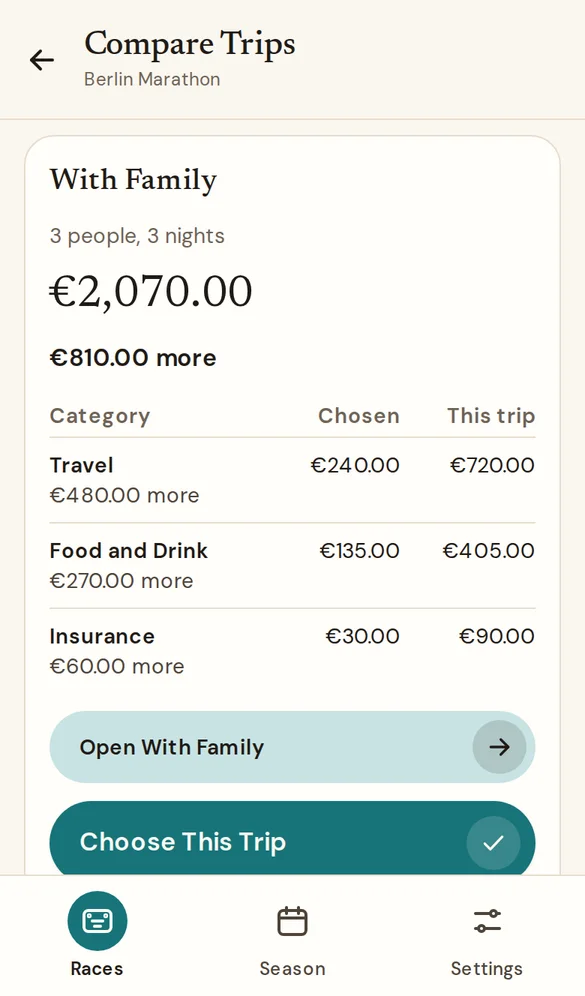
Compare another trip
Copy the trip, change who goes or any price, and see the difference.
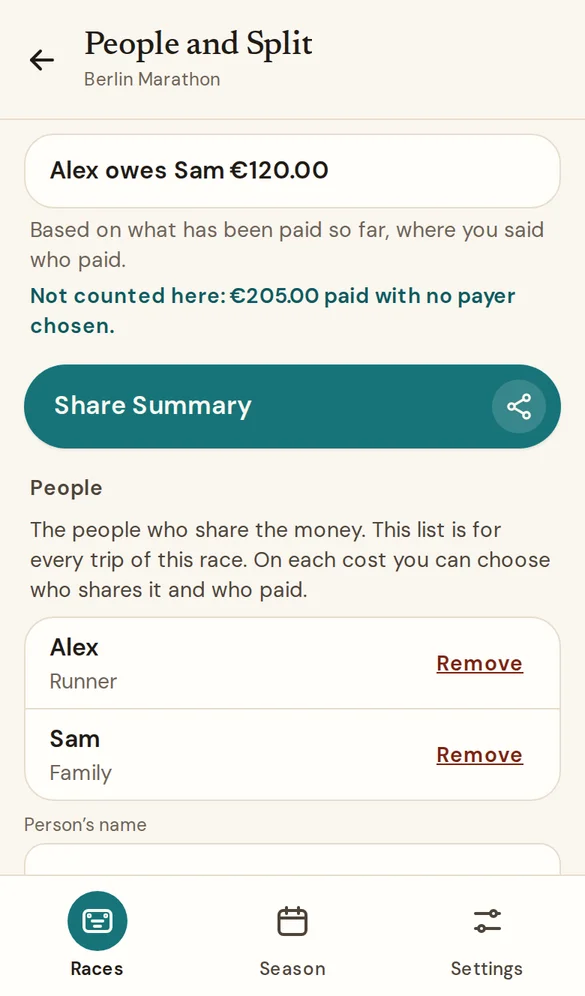
Split the costs
Add the people, choose who shares and who paid, and see who owes whom.
The same steps, in detail
Section titled “The same steps, in detail”| Step | Guide |
|---|---|
| 1–5 | Create a race |
| 6–7 | Add your costs |
| 8–9 | The money plan, Dates and reminders |
| 10 | Compare trips |
| 11 | People and split |