Make your first story in 5 minutes
Click Next to step through the whole flow. Every screen is the real app, shown with demo data.
Step 1 of 9
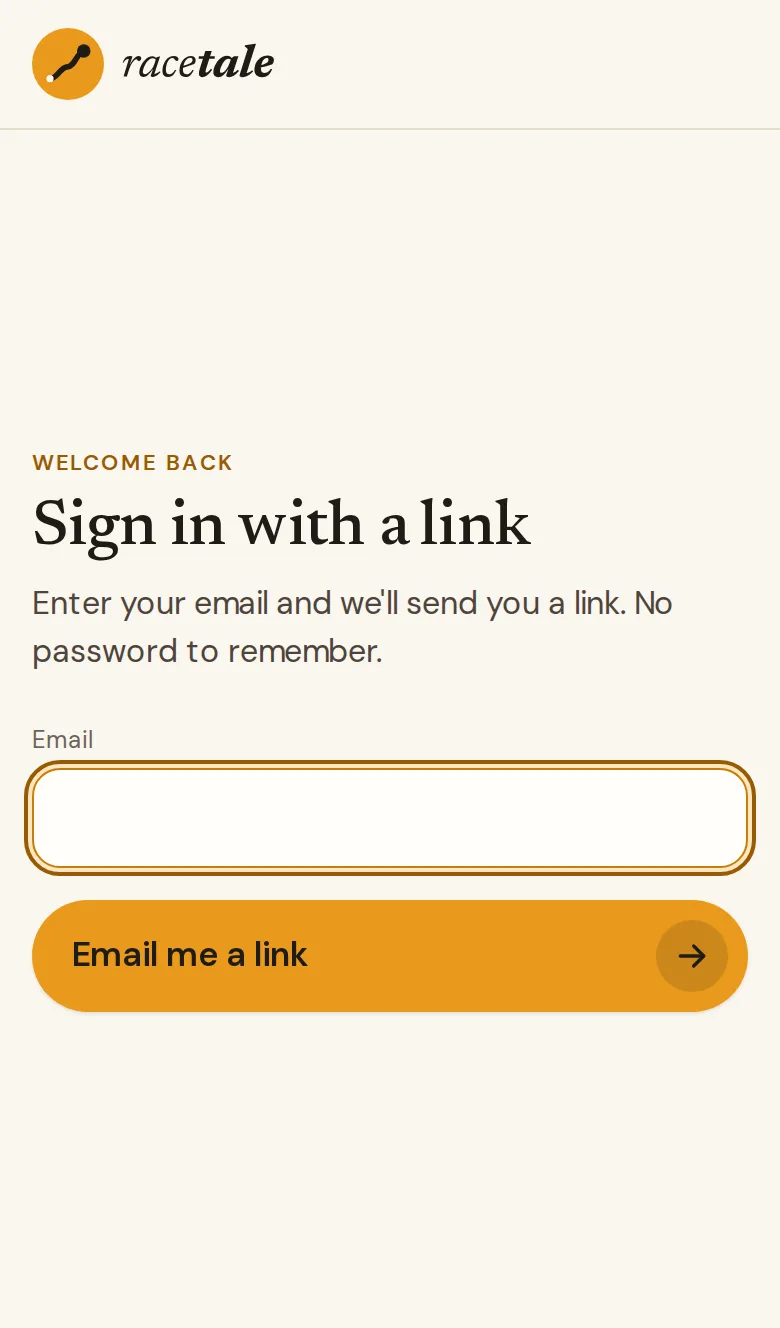
Sign in with a link
Type your email and tap Email me a link. There is no password. The link works once and expires in an hour.
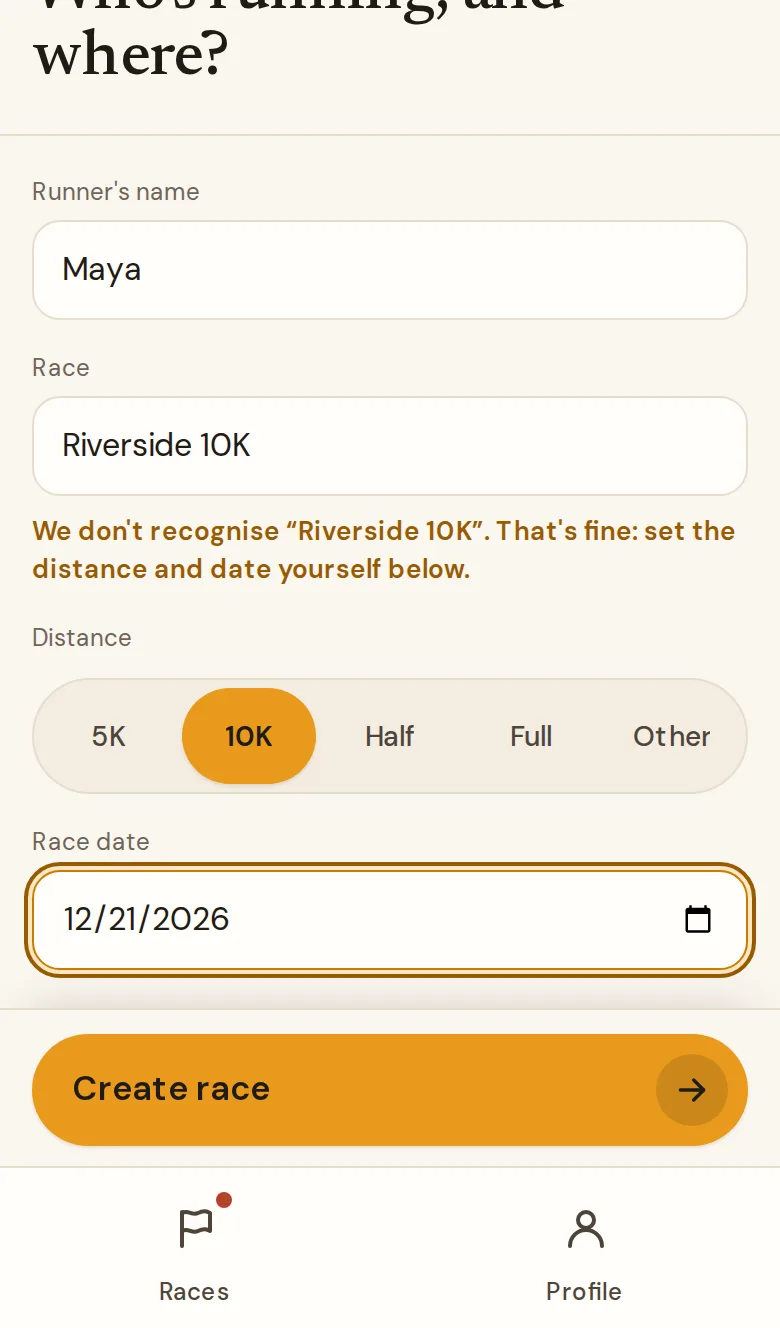
Create the race
Add the runner's name, the race, the distance and the date. A well-known race fills in the details for you.
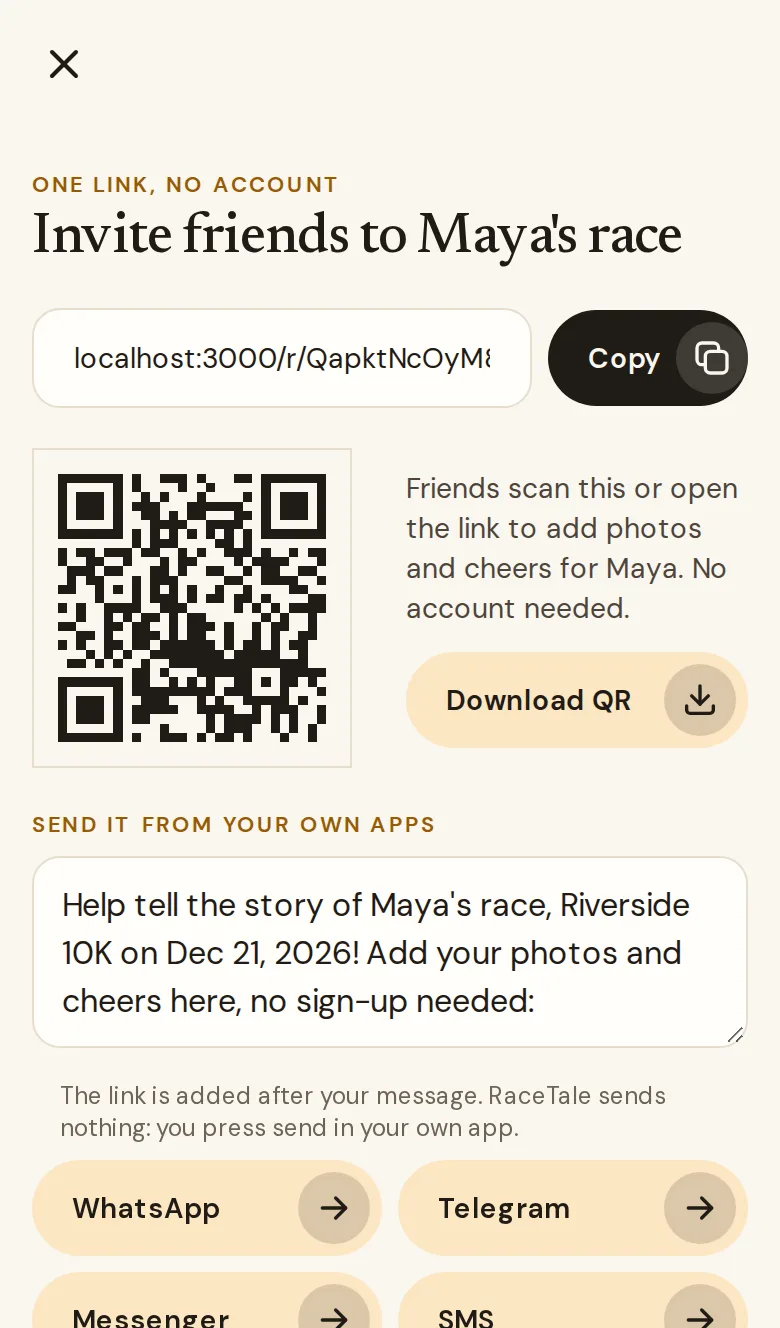
Share the invite link
Copy the link, show the QR code, or send it from WhatsApp, Telegram, Messenger or SMS. Friends need no account.
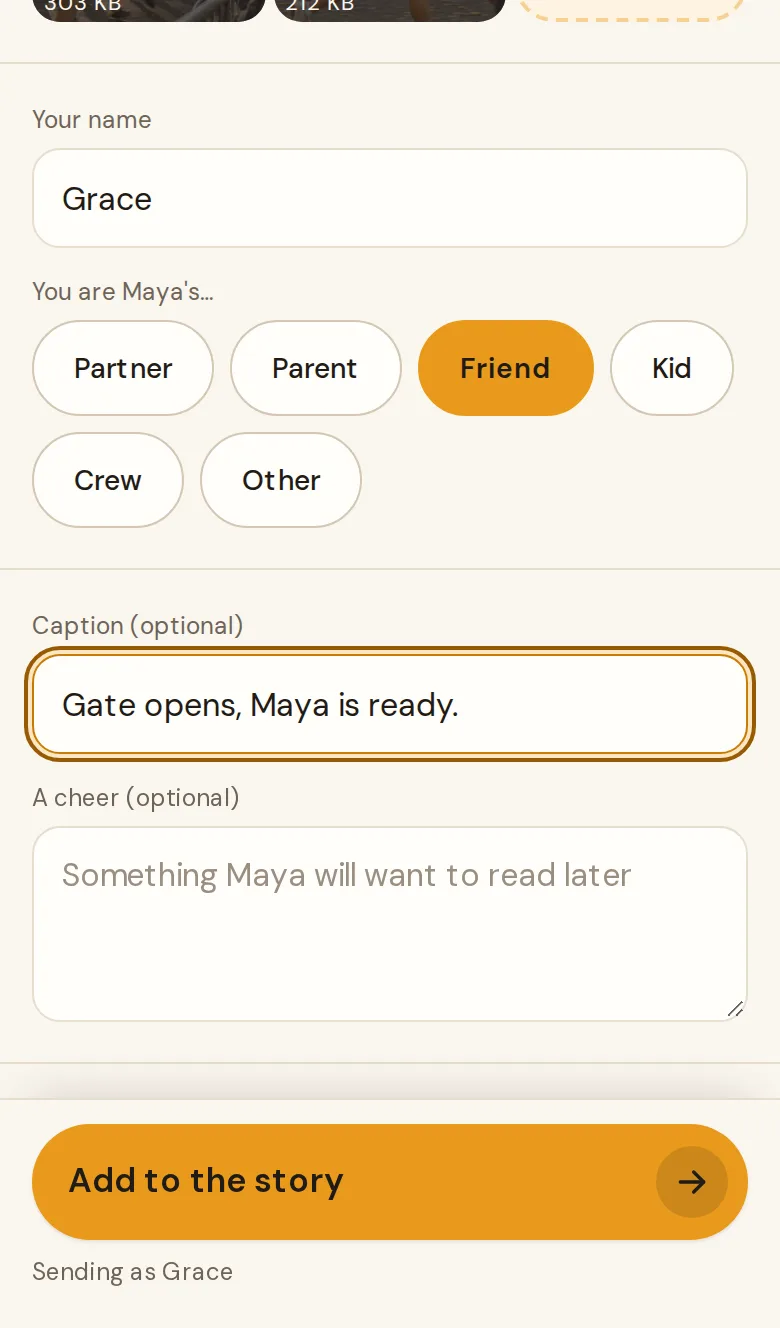
Friends add their photos
A friend opens the link, adds their name, picks how they know the runner, and adds photos, a clip or a cheer.
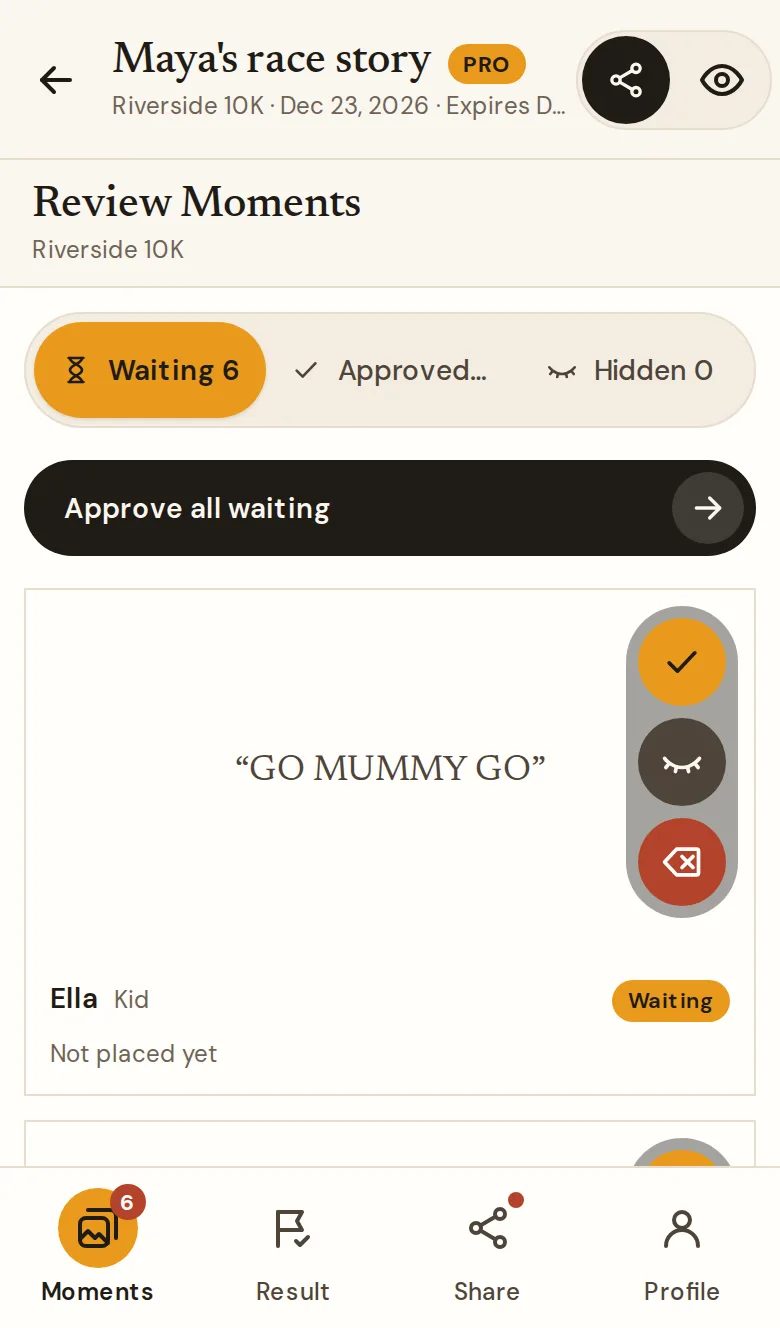
Review what arrives
Everything waits for you. Approve, hide or remove each moment, or tap Approve all waiting.
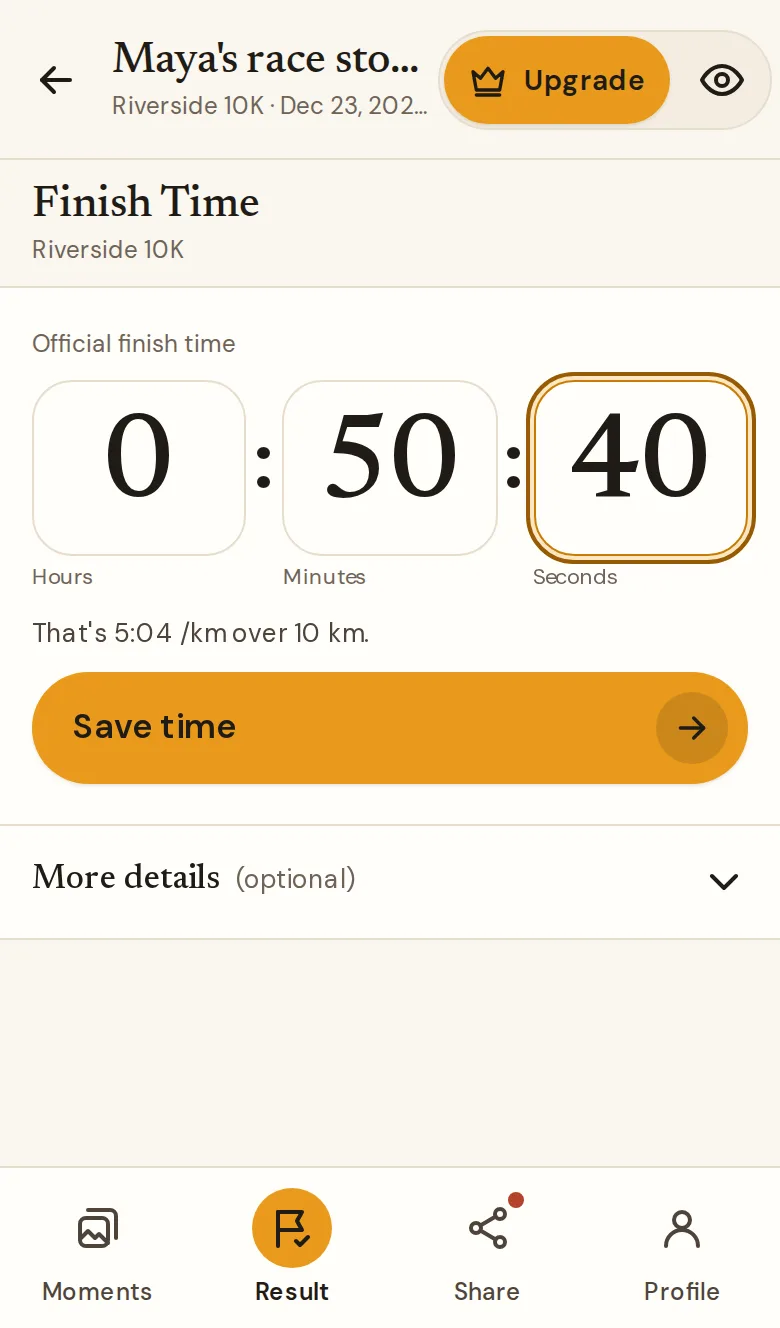
Add your finish time
Type hours, minutes and seconds. The pace appears as soon as the time is valid.
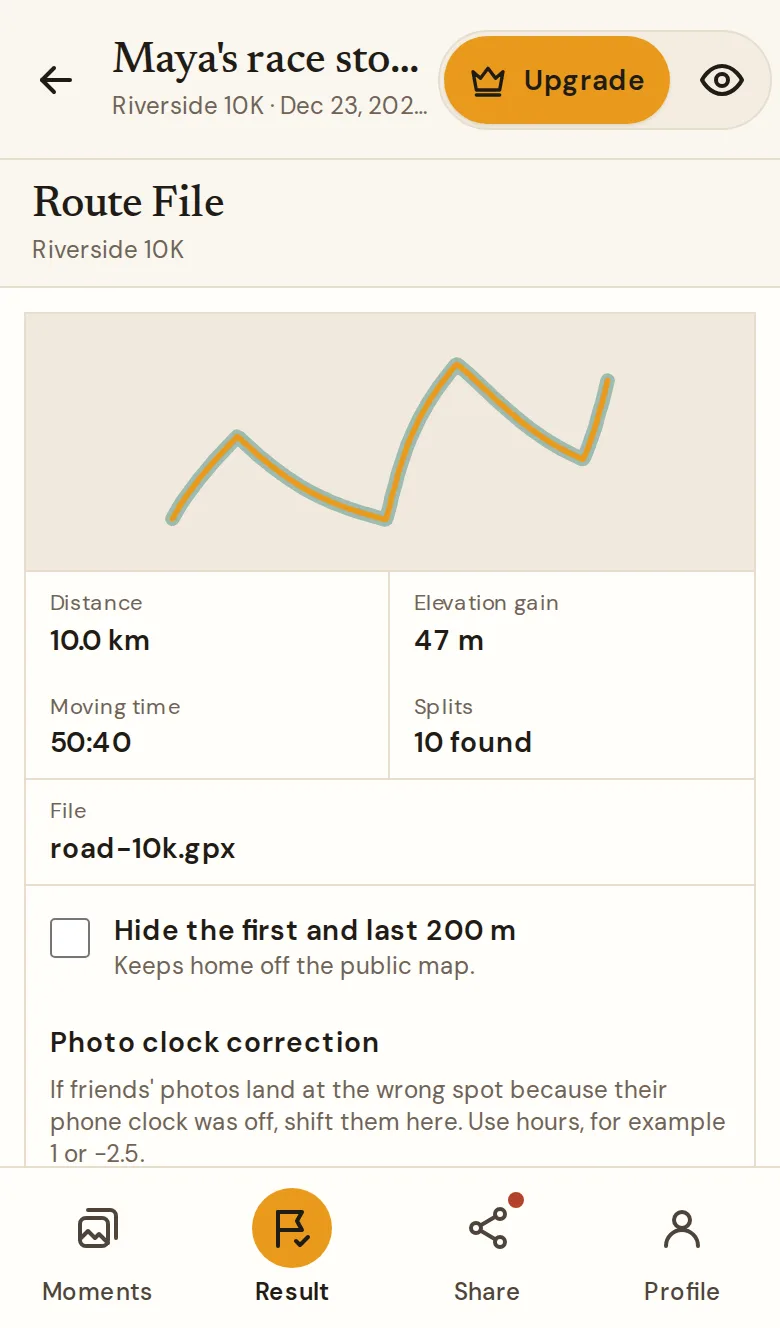
Add the route
Upload the GPX file from your watch. RaceTale draws the route, the elevation and the splits.
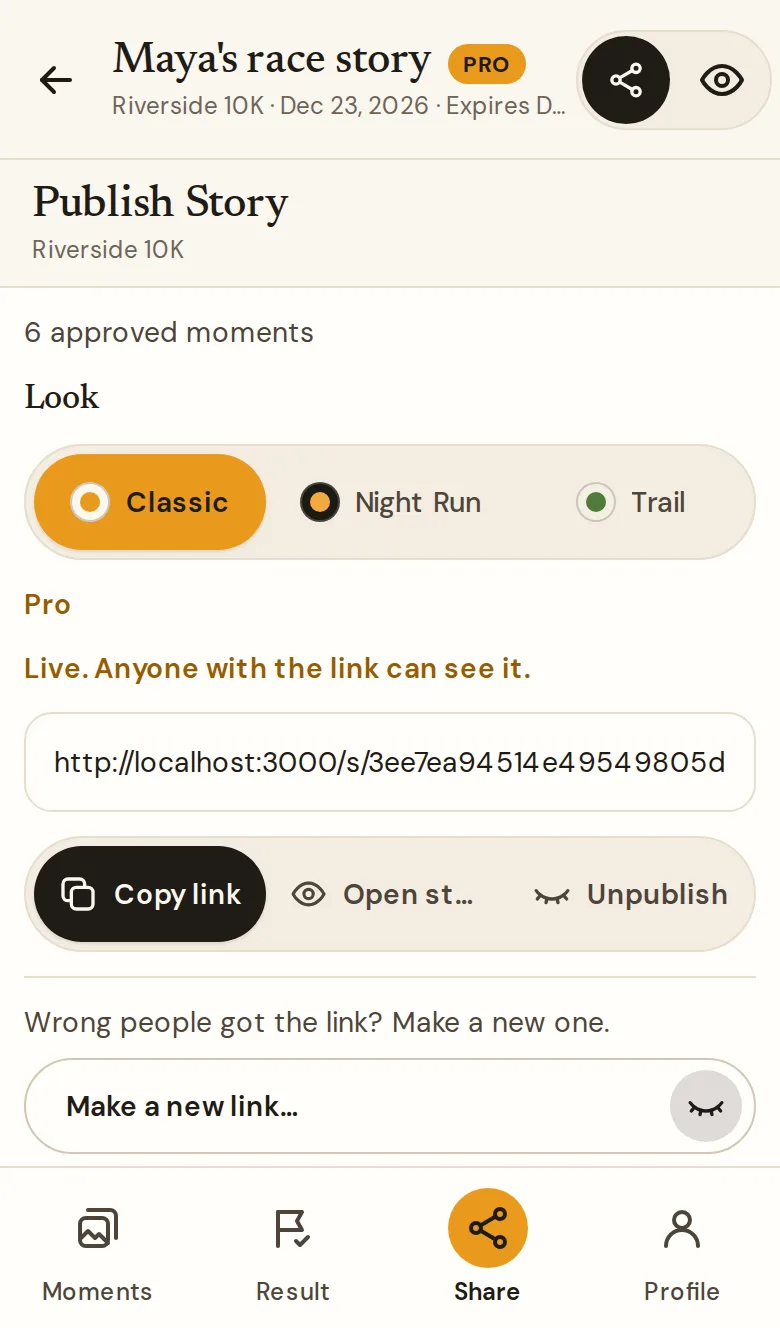
Publish
Pick a look, tap Publish the story, and copy the link. Only people with the link can see it.
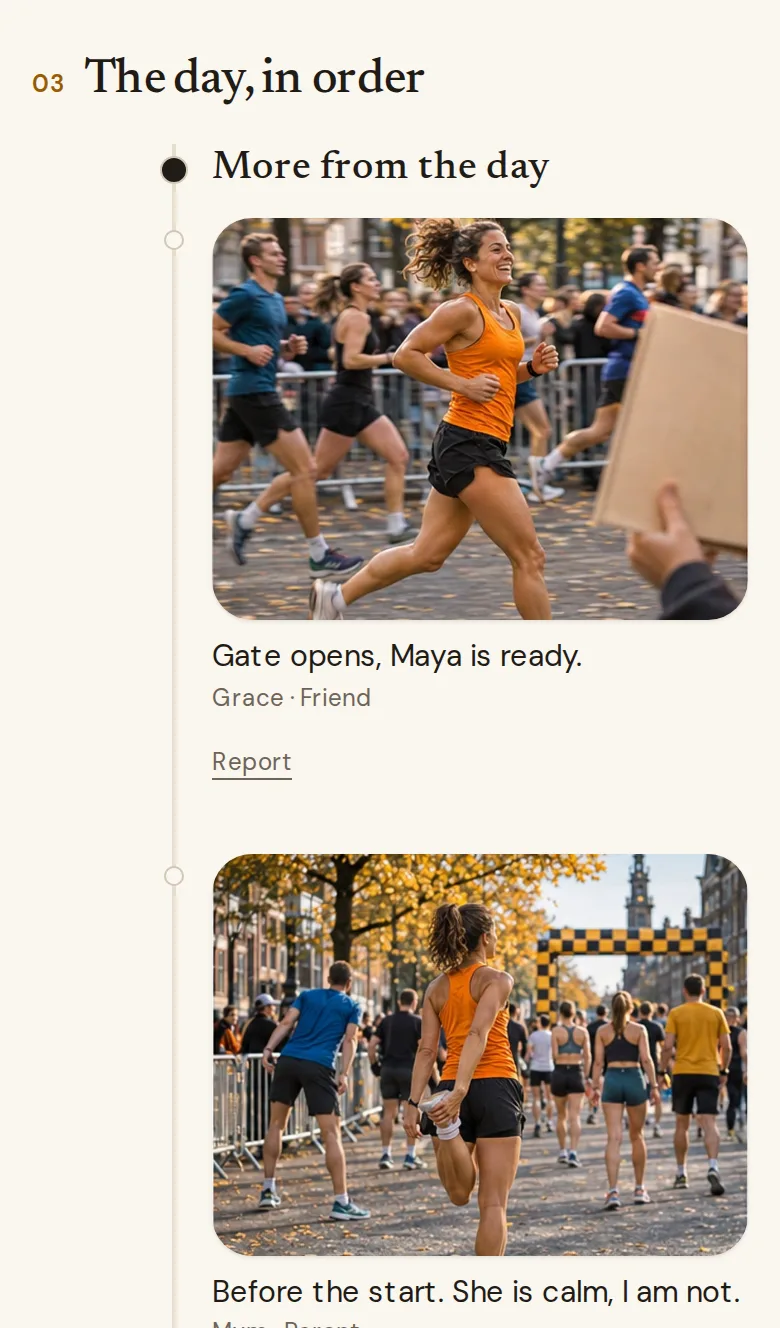
Everyone sees the day, in order
Photos and clips land on the timeline in the order they happened. Cheers sit at the end.
The same steps, in detail
Section titled “The same steps, in detail”| Step | Guide |
|---|---|
| 1–2 | Create a race |
| 3 | Invite friends |
| 4 | Adding photos to a race |
| 5 | Review moments |
| 6–7 | Result and route |
| 8 | Publish |
| 9 | The story people see |