Your first group in 5 minutes
Click Next to go from nothing to a group with its first run. Every screen is the real app, shown with demo data.
Step 1 of 10
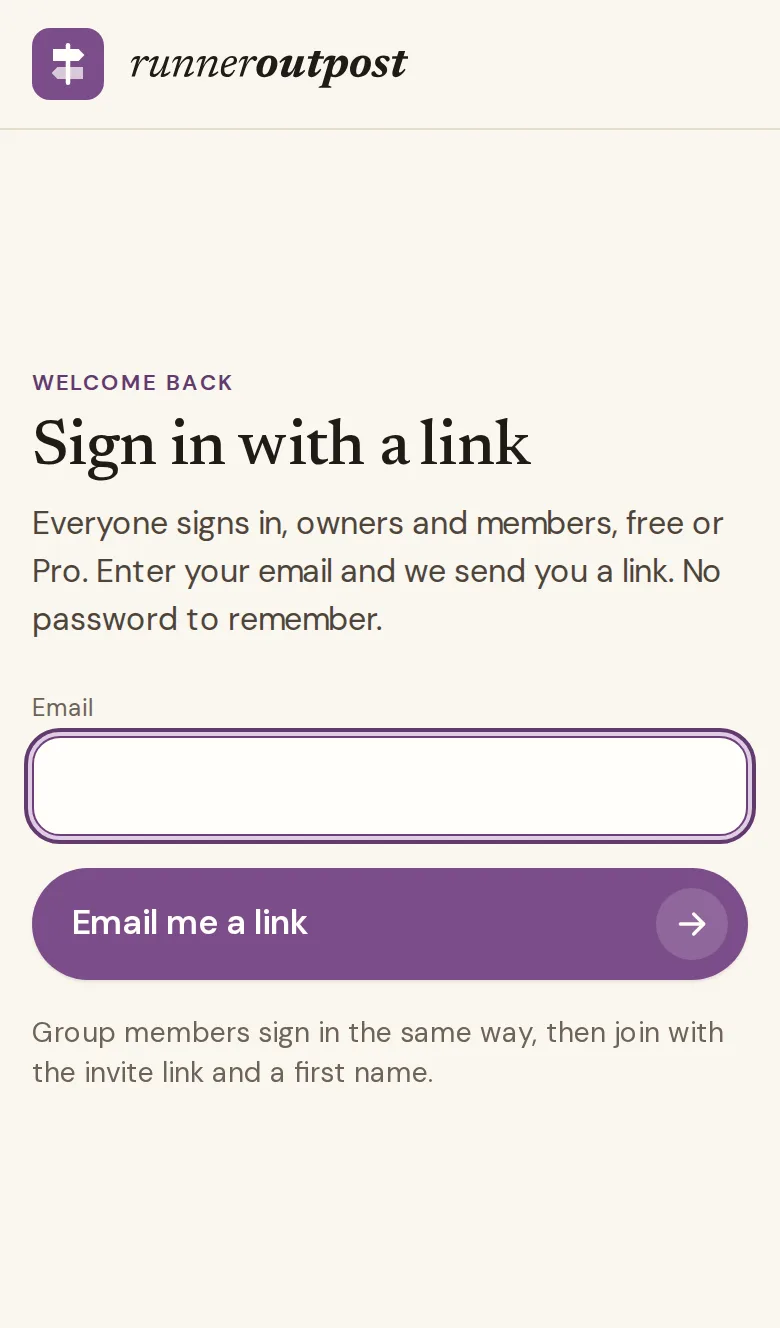
Sign in with a link
Everyone signs in, owners and members. Type your email and tap Email me a link. No password.
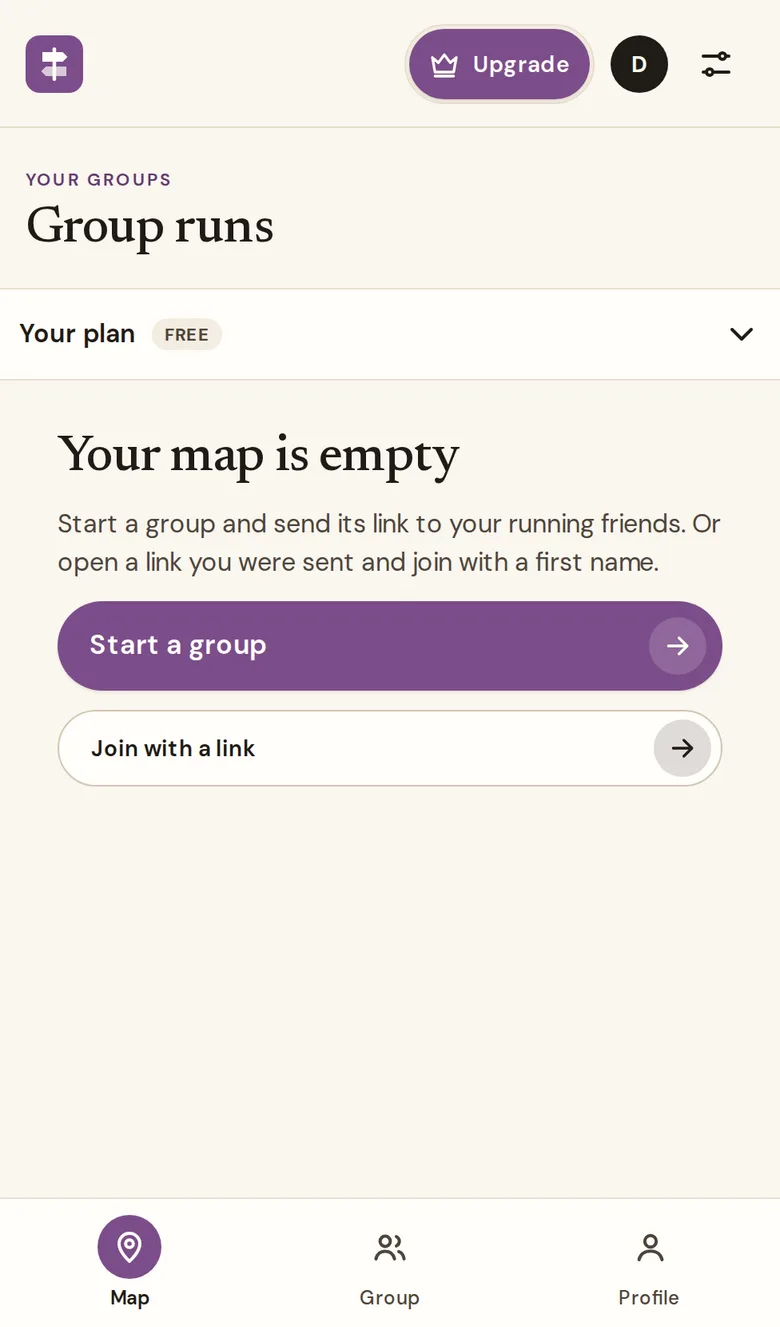
Your map starts empty
Start a group, or open a link you were sent and join.
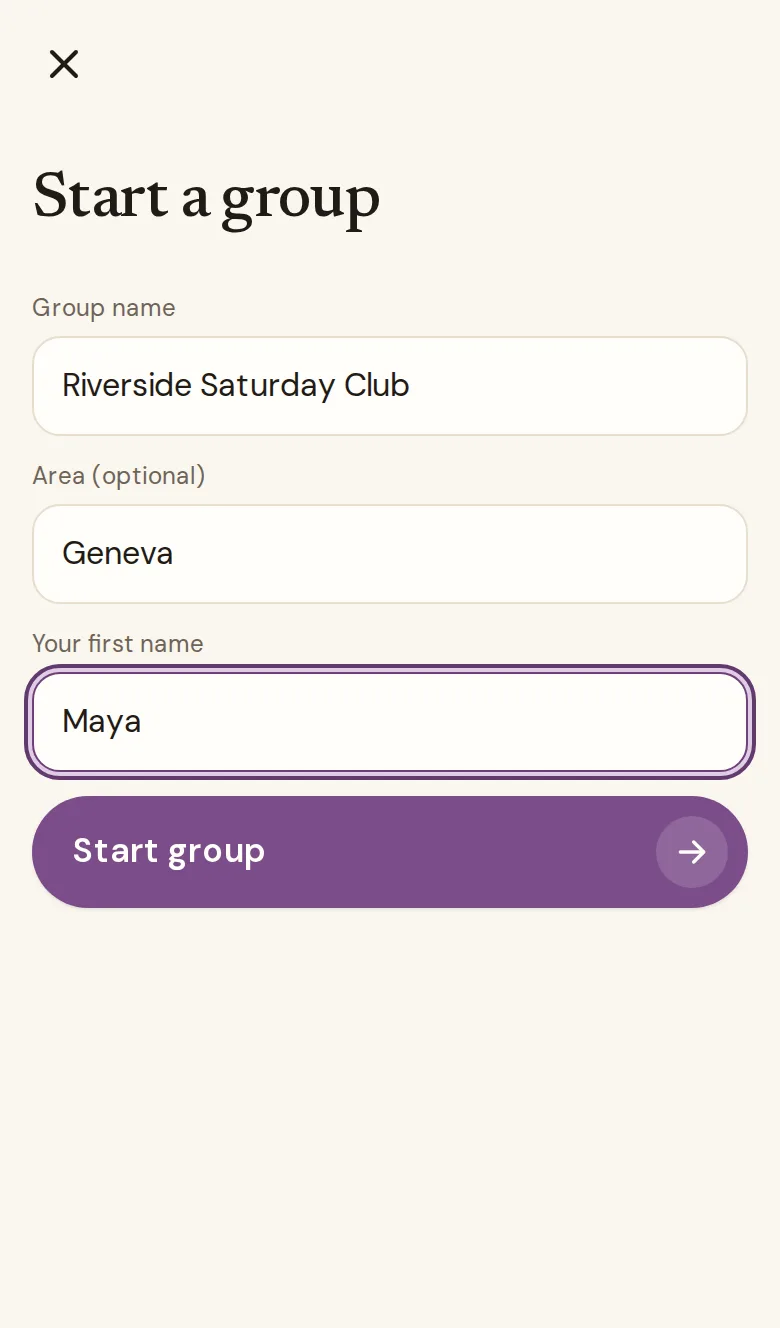
Name your group
A group name, an optional area such as a city, and your first name.
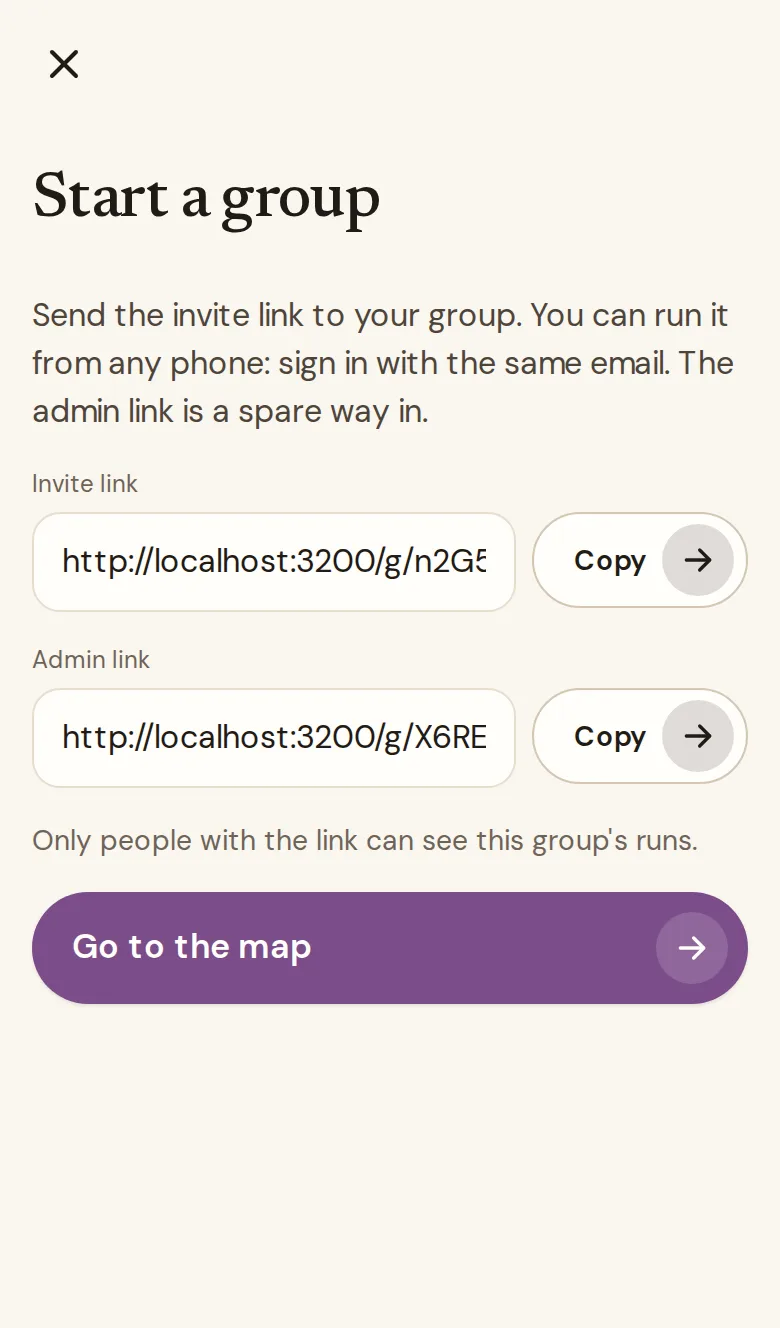
Copy the invite link
This one link is how people join. You can use the group from any phone by signing in with the same email.
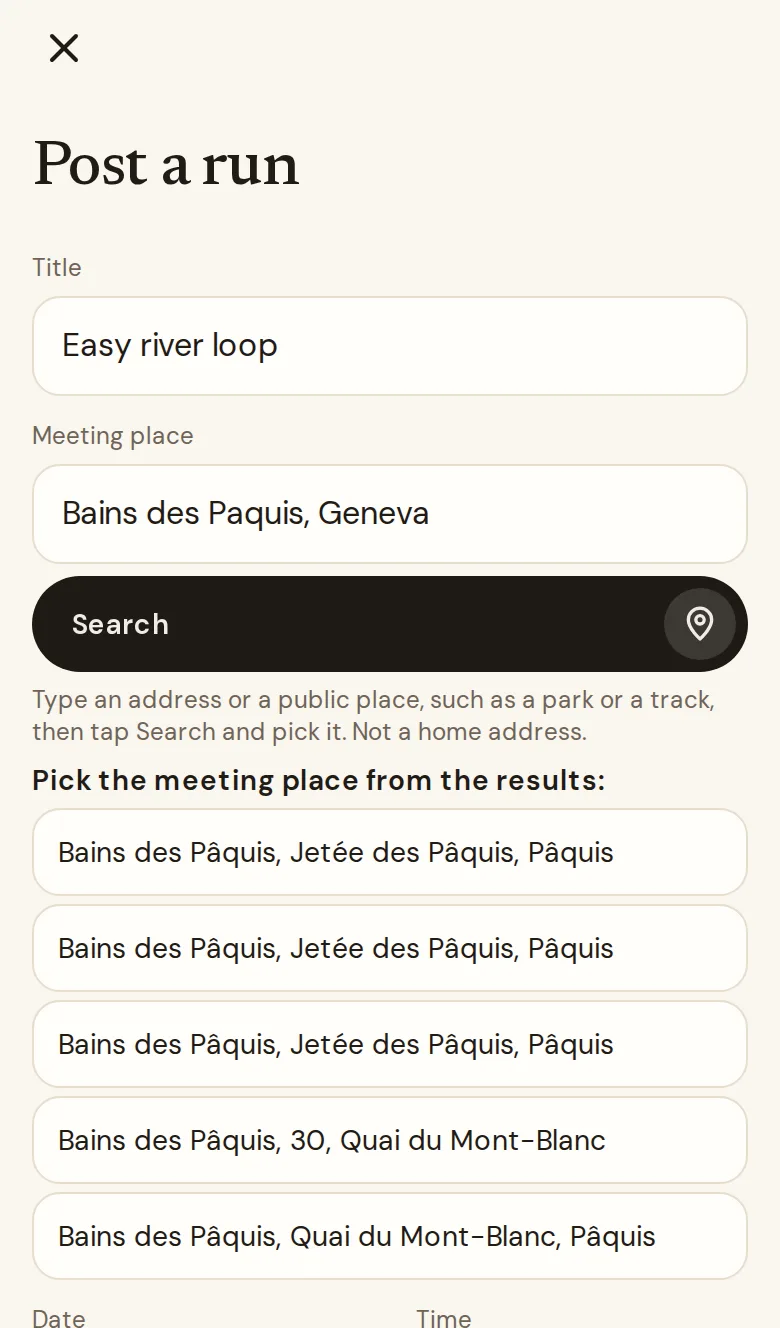
Post a run
Give it a title, search for the meeting place and pick it from the results. Use a public place, not a home address.
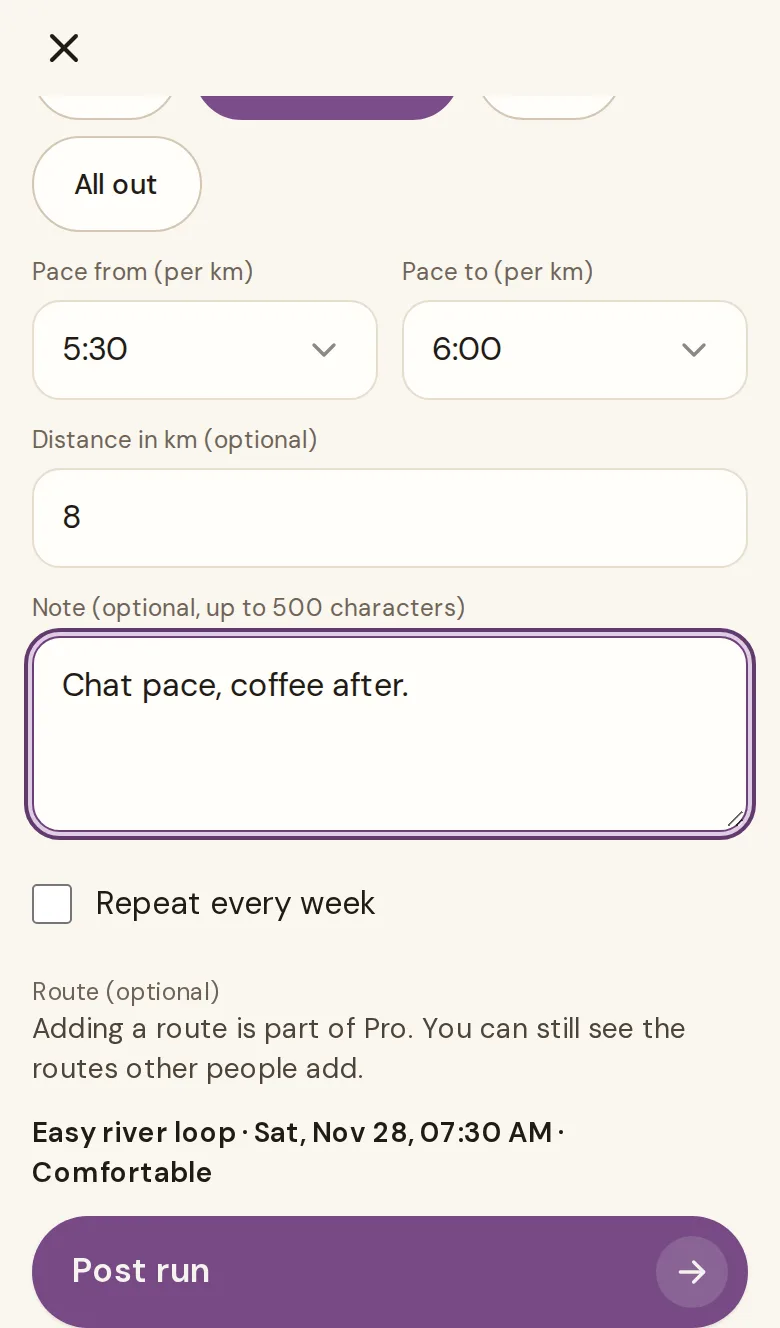
Set the day, pace and effort
Date, time, effort, a pace range, a distance and a short note.
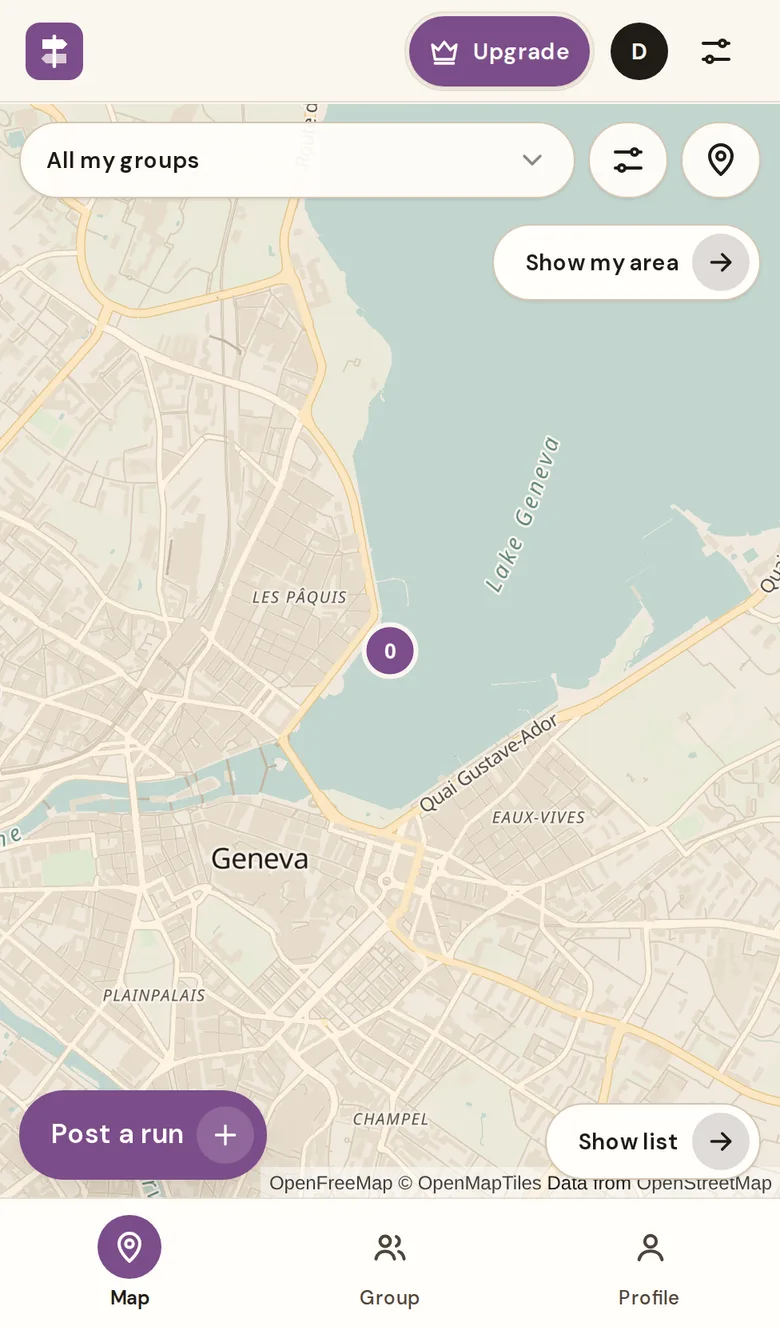
See it on the map
Your run is now a pin that everyone in the group sees.
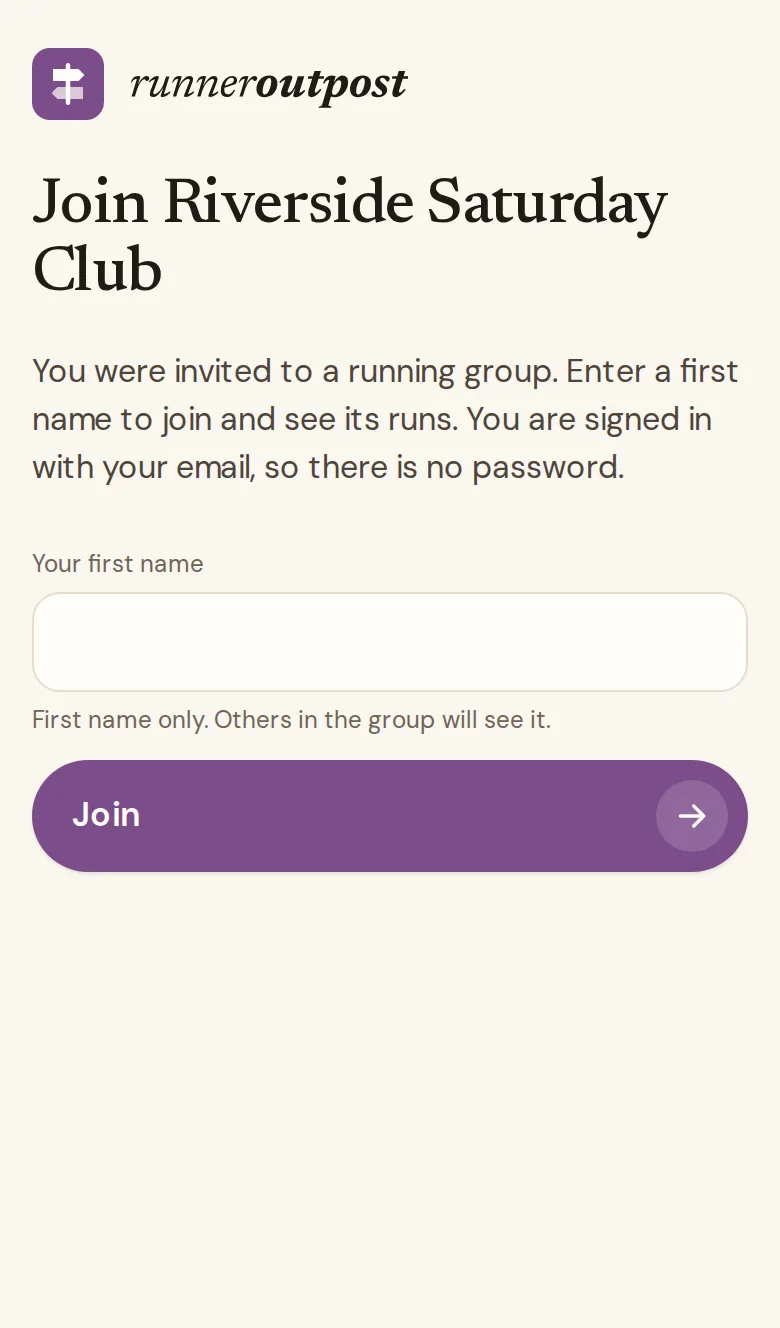
A runner opens your link
They sign in with their email, then type a first name to join.
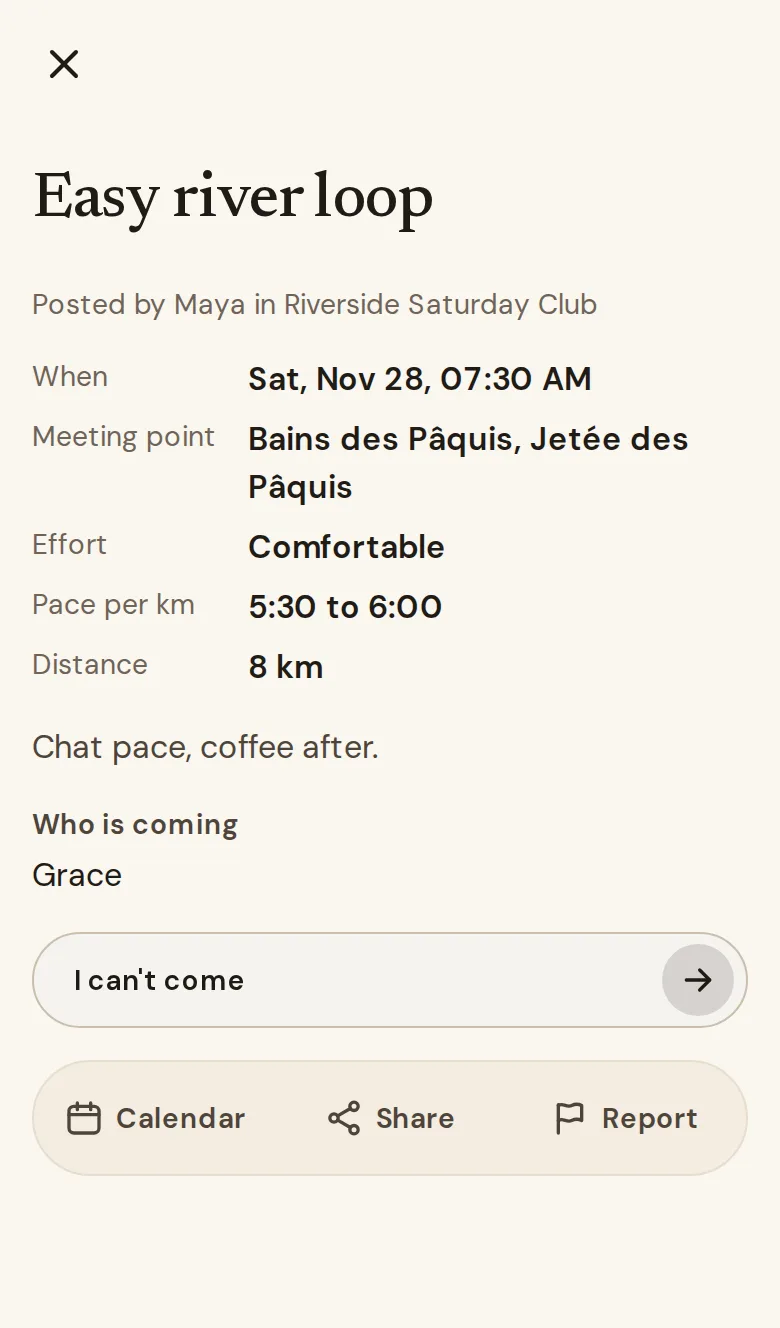
They say I'm coming
Their name appears under Who is coming. They can change their mind with I can't come.
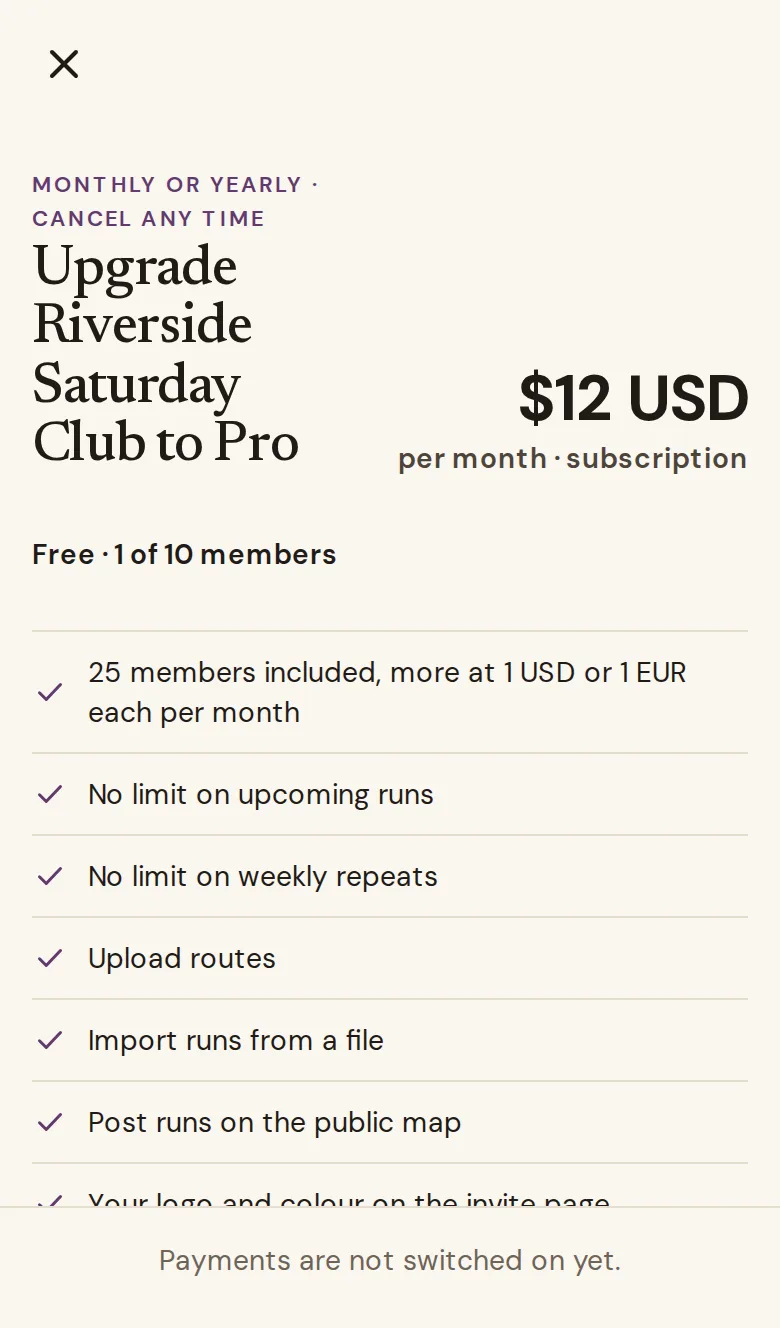
Go Pro when the group grows
The free plan holds ten members and four upcoming runs. Pro lifts the limits and adds routes and import.
The same steps, in detail
Section titled “The same steps, in detail”| Step | Guide |
|---|---|
| 1–4 | Start a group and invite people |
| 5–7 | Post a run and the map |
| 8–9 | Join a group, I’m coming |
| 10 | Free and Pro |